Build An Ant Empire Controls
Master movement and interaction keys so rolling, collecting, selling, and shopping stay fast.
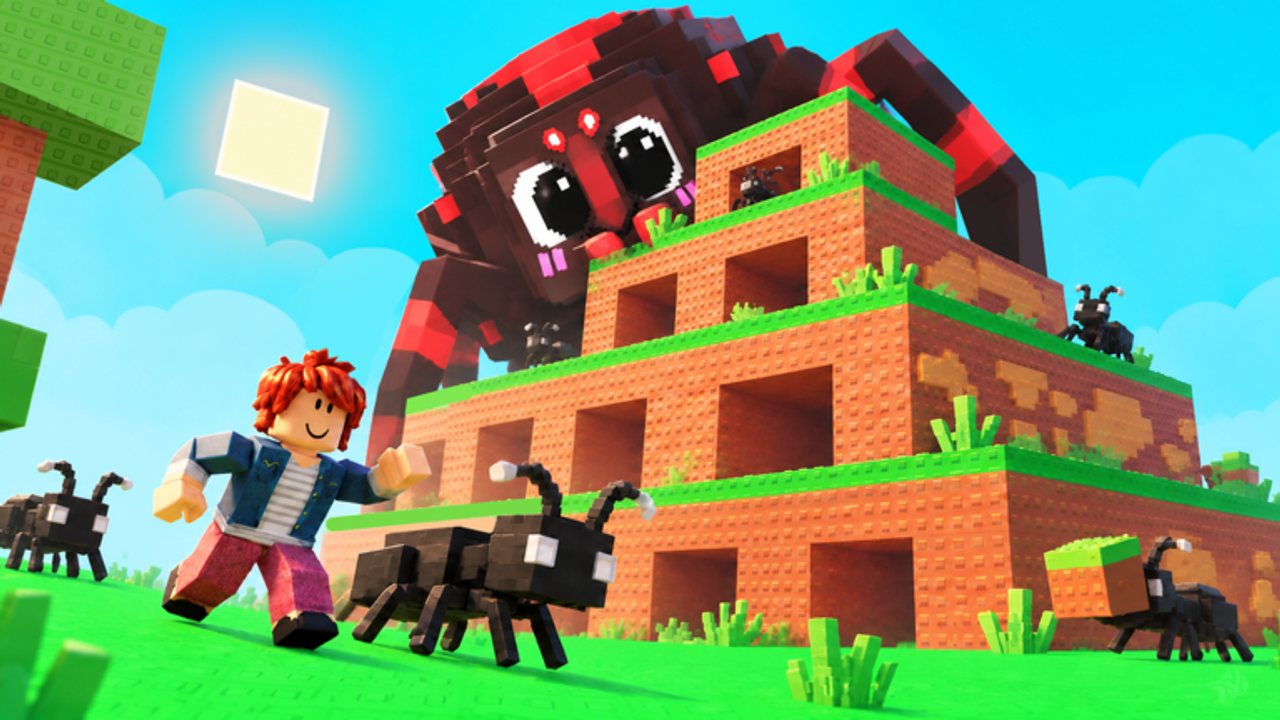
This hub is the controls and movement center for Build An Ant Empire. The game is a colony / tycoon incremental, not a combat fighter - your skill expression is how quickly and cleanly you interact with the Ant Queen, collection station, Sell station, upgrade boards, Index claims, mount NPC, and center items shop. Learn the inputs once, then route your nest efficiently every session.
Deep key-by-key notes continue on Controls details. Onboarding context lives in Getting Started.
Default controls
| Key | Action | Used for |
|---|---|---|
| W A S D | Move | Travel between Queen, colony, collect, sell, shop |
| Space | Jump | Clear small obstacles / terrain |
| E | Interact | Roll eggs, place flow, collect, sell, buy upgrades/items, talk to NPCs |
There is no separate attack button in the core loop. If something does not trigger, you are usually out of range - walk closer and press E again.
Why controls matter in a tycoon
Cash per minute is a function of pathing as much as rarity. During a fifteen-minute Cash code, every second you spend lost in menus or running the long way around the plot is lost board progress. Tight WASD routes between collection and Sell stations outperform fancy mounts for most players, especially because mounts are only slightly faster than walking and cost an ant to train.
Session movement checklist
- Spawn in and finish any tutorial prompts so UI and interact targets unlock.
- Path to the Ant Queen, press E to roll (free), buy selectively with Cash.
- Place ants into slots (start with one; expand later via colony upgrades).
- Loop collection station → Sell station on a short route.
- Detour to upgrade boards when Cash thresholds hit.
- Visit center shop only for planned purchases (items guide).
- Use nest teleport when available instead of marathon runs back home.
Interaction targets you will use constantly
- Ant Queen - egg rolls
- Colony slots - place / manage ants
- Collection station - food boxes
- Sell station - Cash conversion
- Upgrade boards - luck, rolls, food value, expansion, ant speed
- Items shop (map center) - jellies and mutation potions
- Index UI - claim discovery milestones once
- Mount NPC - optional training (ant consumed either way)
- Settings cogwheel (top-right) - code redeem
Quality tips tied to controls
- Keep camera angled so stations stay visible; less spinning means faster E presses.
- Do not AFK between collect and sell during code timers.
- Jump sparingly - missed landings waste more time than they save.
- When comparing ants for slots, use the tier list before running across the map to place a Common you will replace in two minutes.
- Mutation decisions happen at the shop and on ants - path there only when Cash and target ant are ready (mutations).
Controls vs scripts
WalkSpeed, Fly, and Auto Collect features appear on community script hubs. They exist because the fair loop is movement-heavy. If you stay legitimate, raw WASD + E plus nest teleport is enough - especially after ant speed boards and occasional Normal Speed Jelly ($10k, 1.3x for 5 min).
Related pages
Treat controls as part of your build order. In Build An Ant Empire, the empire grows faster when your fingers already know the next station before the food boxes finish stacking.
Frequently Asked Questions
Quick answers to the most common questions.
What are the controls for Build An Ant Empire?
WASD to move, Space to jump, and E to interact with the Ant Queen, stations, upgrades, shop, and NPCs.
How do I interact with the Ant Queen?
Walk up to the Ant Queen and press E to roll eggs. Rolling is free; buying the ant costs Cash.
Is there a sprint key?
Default listed controls are WASD, Space, and E. Temporary speed comes from Speed Jelly items or the Ant speed upgrade, not a separate sprint bind in our facts.
Where do I redeem codes from the UI?
Use the cogwheel in the top-right to open Settings, paste a code, and press Redeem. Full steps are on the how-to-redeem guide.